
Sports Betting, Understood
Independent guides and honest comparisons of licensed Australian sports betting operators. We explain how things work, how to set your own limits, and where to get help — information first, entertainment only.
Last updated 5 October 2026Featured Australian Operators
 Enjoy the variety of sports and support your team!
T&Cs apply
Enjoy the variety of sports and support your team!
T&Cs apply
#AD · 18+ ·Chances are you're about to lose. For free and confidential support call 1800 858 858 or visit gamblinghelponline.org.au. Authorised Betting Operations Act 2000 - License Number 54300046
Visit Betfair Bet online on all sports you like!
Full T&Cs apply
Bet online on all sports you like!
Full T&Cs apply
#AD · 18+ · Imagine what you could be buying instead. For free and confidential support call 1800 858 858 or visit gamblinghelponline.org.au. Authorised Betting Operations Act 2000 - License Number 54300096
Visit Bet365 Watch & Bet on over 400 events every week!
T&Cs apply
Watch & Bet on over 400 events every week!
T&Cs apply
#AD · 18+ · Think. Is this a bet you really want to place? For free and confidential support call 1800 858 858 or visit gamblinghelponline.org.au. Authorised Betting Operations Act 2000 - License Number 54300020
Visit Unibet Australia Fast and Secure deposits!
T&Cs apply
Fast and Secure deposits!
T&Cs apply
#AD · 18+ · What's gambling really costing you? For free and confidential support call 1800 858 858 or visit gamblinghelponline.org.au. Authorised Betting Operations Act 2000 - License Number 54301903
Visit FatbetUsing Stats to Inform Your Bets
Statistics are the most common starting point when understanding how a match might develop. In Australian football, team form, home-and-away splits, injury reports and head-to-head history shape the picture. In soccer, expected-goals and possession trends add context, while in tennis the surface record and recent travel do the talking.
Numbers describe patterns, not certainties. A team's record tells you how often something happened, not that it will happen again. Treat stats as a checklist of things to consider rather than a formula to follow, and be wary of any source claiming a statistical system can guarantee results.
Full guide to using stats to inform your bets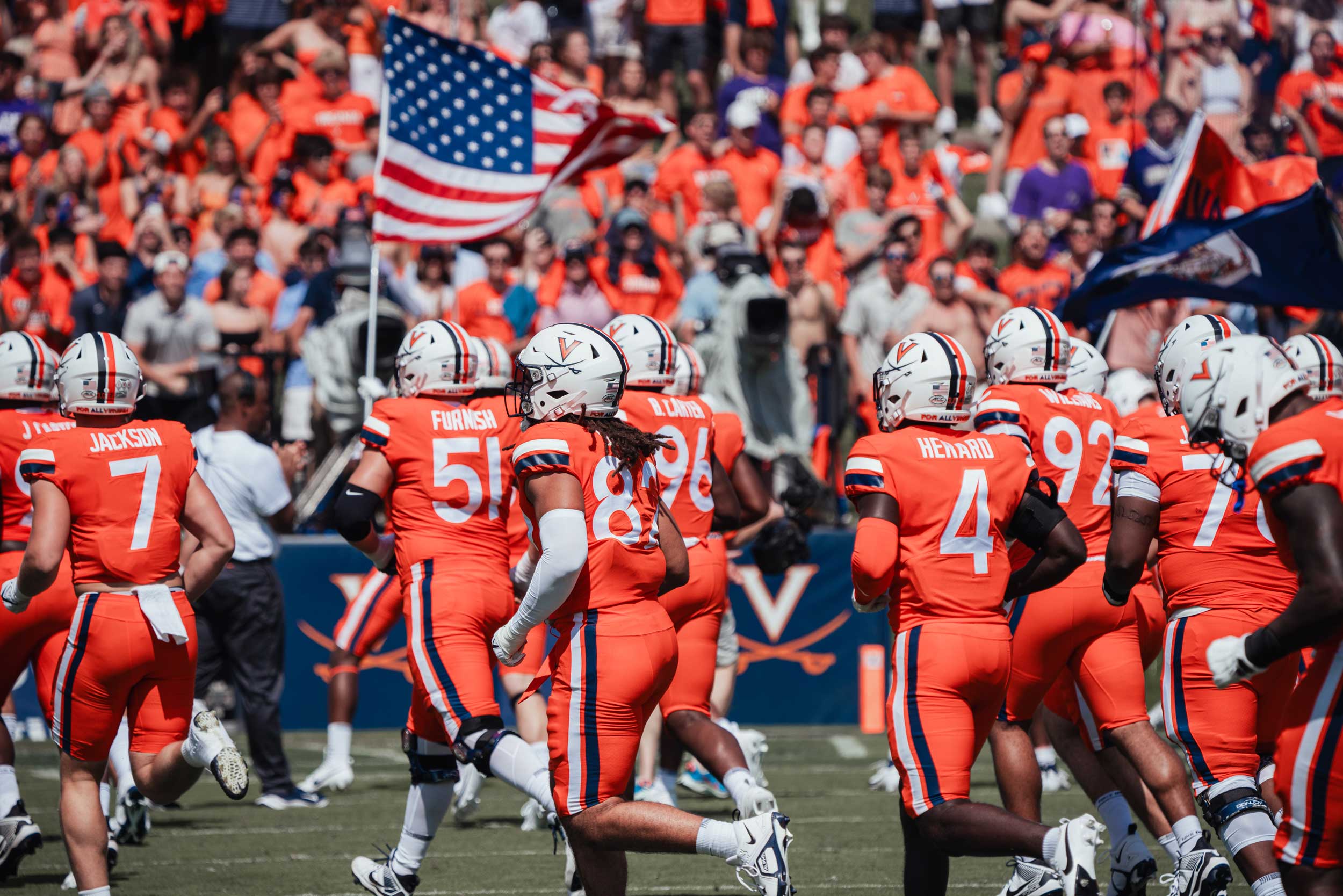

Best Sports Betting Sites
Choosing a site starts with licensing. In Australia, sports betting operators are licensed by state and territory authorities, and the licence details should appear in the site's own footer. Cross-check that information against the regulator's public register before you register anywhere.
Beyond the licence, compare sports coverage, the range of markets, payment speed and the depth of responsible gambling tools. A shorter list of strong, well-documented features usually beats a long list of vague promises.
Setting a Betting Budget
A betting budget is a fixed amount of money set aside for entertainment that you can afford to lose. Deciding it before the first event is the single most practical step in gambling safely.
What to Look For in Bookmaker Support
Support quality shows up in small moments: how quickly a chat answers on a busy matchday, how clearly an account query is handled, and whether help is actually available in your time zone.
- Check the contact channels — chat, email, phone — before registering.
- Read how account verification and withdrawals are explained.
- Look for published, plain-language answers to common questions.
- Note whether the operator's terms are easy to find and read.
A licensed Australian operator should be able to explain account limits, cash out and withdrawal processes clearly. If the answer is buried or vague, that is information in itself.
Read more about bookmaker supportSecure Payment Options
Australian bettors commonly use bank transfers, debit cards and fast e-wallets. "Secure" means encrypted connections and funds moving only between accounts you control and a licensed operator's account — this information site never touches your money, and we do not process payments of any kind.
| Method | Typical speed | What to check |
|---|---|---|
| Bank transfer | Next business day | Limits and any transfer fees |
| Debit card | Minutes | Card network and verification steps |
| E-wallet | Fast | Wallet provider and top-up fees |
Set deposit limits in the operator's responsible gambling tools before you fund the account. A payment method should never be used to borrow or put stakes on credit — fund a bet only with money you already have.
Understanding Cash Out
Cash out lets you settle a bet before the event finishes, at a price that reflects where the match currently stands. It is a way to manage a bet you have already placed, not a way to lock in a win.
How the price moves
The offer shifts with the live state of play. A small lead for your selection may lift the cash-out price; momentum against it will pull the price down.
The number on screen is the operator's current offer, and it can change quickly. The operator's own cash-out terms and any fees always apply.
When people consider it
Often it is about time, not prediction: you no longer want the rest of the game tying up a stake you have made.
Treat cash out as a management tool. It can close a position at the offered price, but it does not improve the chances of the original bet.
A Guide to Betting on the Races
Race betting in Australia runs through the TAB and licensed bookmakers, covering thoroughbred, harness and greyhound racing across state tracks. Markets range from a single winner to place and combination wagers across an entire card.
The basics
Odds reflect the market's view of each runner; a bigger field usually carries bigger odds for each name.
Reading the card
Scratchings, draws and barrier positions shape each runner's story, so read them before the market moves.
Stake discipline
A full card holds many runners. Decide your stake per bet in advance, not in the moment.
Each race is an independent event. A losing race does not make the next one "due", and no pattern in past form guarantees a future result.
A Guide to In-Play Betting
In-play, or live, betting means placing bets while an event is still in progress. Markets update with every score, wicket, goal or interval, and the price you accept is the one on screen at the moment of placement.
- Latency matters: what you see can be a few seconds behind the actual event.
- Markets differ by sport — tennis carries set-level lines, AFL is priced quarter by quarter.
- Decide in advance how long you will stay with a live game and when you will step away.
Live betting rewards attention and punishes distraction. If you cannot follow the event closely, the pre-match markets are a calmer place to make the same decisions.
How We Review Betting Sites
Every operator on this site is checked against the same six criteria, and scores are reviewed periodically. Because some links here are affiliate links, commercial relationships can influence which operators appear and the ratings they receive — we say that here rather than hide it.
- Licensing and regulation — is the operator licensed by an Australian state or territory authority, and can it be verified?
- Promotions and offers — are the terms readable, with eligibility and limits stated?
- Payment methods — what options exist, and are fees and processing times published?
- Customer support — channels, hours and the clarity of the answers.
- Mobile experience — can the core features be used on a phone without friction?
- Responsible gambling tools — limits, self-exclusion and reality checks.
We do not test for "winning ability" — no site can offer that. We report on the practical experience of using a site safely.
Betting Markets Explained
A market is a specific outcome you can bet on within an event. The same match can carry a dozen or more markets, and understanding the common ones makes every other comparison easier.
Match / To Win
The base market: pick the outcome of the contest itself.
Handicap
One side starts with a cushion of points or goals; you bet on whether they cover it.
Totals (Over/Under)
Bet on whether combined scoring ends above or below a set line.
Double Chance
Cover two of the three possible results in a three-way contest.
Player Markets
Bets on individual performers — a top scorer, a first wicket — rather than the team.
Live Markets
Any of the above, repriced continuously as the event unfolds.
Each market has its own settlement rules. Check how ties, cancellations or specific rule changes are treated before staking on it.